Animate your own artwork
Give a finished illustration a little life for a portfolio or a social post, without drawing any frames by hand.
Upload an anime illustration and this template adds wind, drifting petals and a slow head turn while keeping the art style. Your first 4-second video is free.
Animate this anime illustration. The character’s hair and clothes sway in the wind while cherry blossom petals drift across the frame. The character slowly turns and looks toward the camera. Keep the original art style and line work. Soft, slow camera push-in.
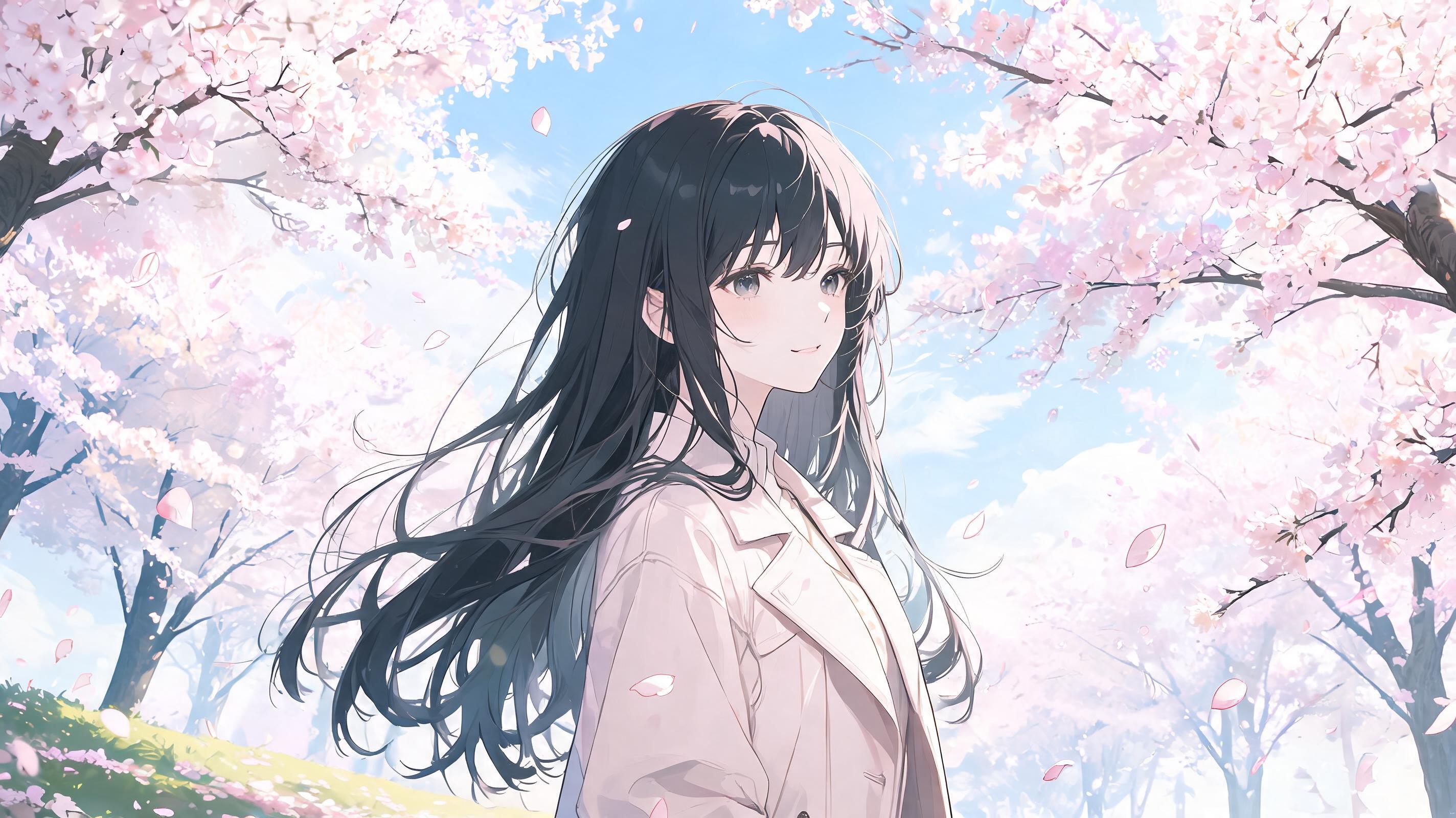 Started from this picture, made with Seedream 5.0 Lite. Upload your own photo to use the template.
It is already in the generator above. Settings: Image to Video, 16:9, 4 seconds, 480p, no sound, which is free.
Animate this anime illustration. The character’s hair and clothes sway in the wind while cherry blossom petals drift across the frame. The character slowly turns and looks toward the camera. Keep the original art style and line work. Soft, slow camera push-in.
Give a finished illustration a little life for a portfolio or a social post, without drawing any frames by hand.
Scenes with wind, rain or drifting petals suit short video backgrounds and music visuals.
See how a character design feels in motion before you commit to frame-by-frame animation.
Saying keep the original art style and line work reduces the drift toward a realistic look.
Hair, cloth, particles and light tend to look better than big body movements, which can distort hands and faces.
Upload your own work or art you have permission to use. Do not upload anything that shows or implies a minor in a sexual context. It is blocked and against our Terms.
It tries to, and the first frame comes from your image, but the style can drift as the clip goes on, especially on fine line work. Short clips and small movements hold the style best.
No. It makes one continuous shot of up to 15 seconds from one image. For a longer piece, generate several shots and edit them together.
Match photo keeps the shape of your illustration, which avoids cropping. Tall art works best with 9:16 or 3:4.