Skip to content

Animate a Photo With AI

Upload a portrait, an old family picture or a travel photo, and AI adds natural movement. Your first 4-second video is free with no sign-up.

Upload photo
175 / 2000
Templates:

Seedance 1.0 Pro Fast · 4s · 480p · match photo · no sound

Free videos are 4s at 480p, carry an AIFree label and are kept for 7 days. Ready in about 9 min.

Example video

My Creations
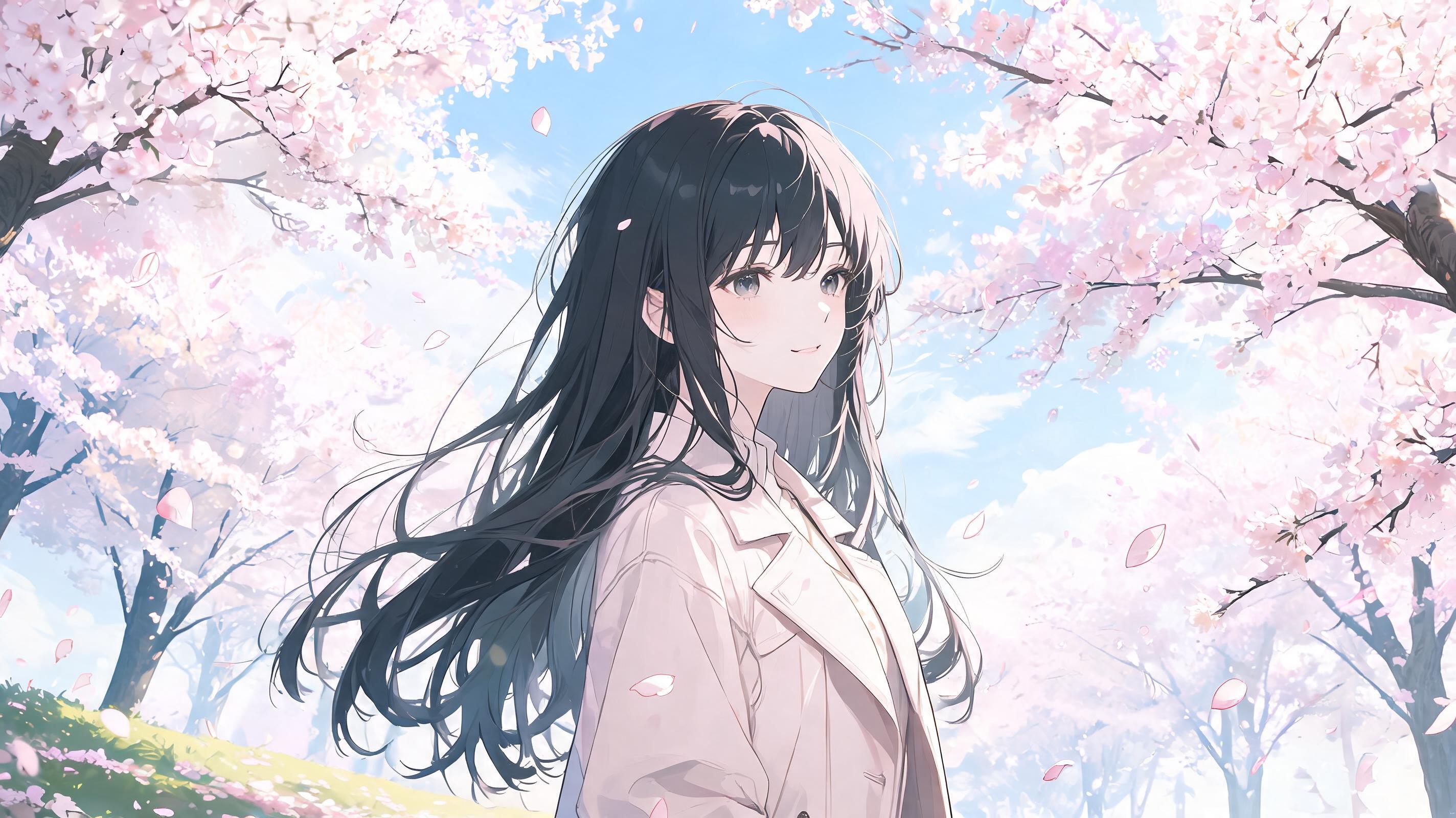
Seedance 1.0 Pro Fast · 4 seconds, 480p, no sound, 16:9, from a Seedream 5.0 Lite image

Animate this anime illustration. The character’s hair and clothes sway in the wind while cherry blossom petals drift across the frame. The character slowly turns and looks toward the camera. Keep the original art style and line work. Soft, slow camera push-in.

Started from this picture, made with Seedream 5.0 Lite. Upload your own photo to use the template.

Photos people animate most

Old family photos

A small smile or blink can make an old picture feel present. Scan or photograph the print straight on, crop away the border, and use the largest copy you have. The AI invents the motion, so it shows an impression of the moment, not a record of it.

Portraits

Faces change most under large movements. Ask for a blink, a small head turn or moving hair, and keep the camera still to hold the likeness.

Travel and landscape photos

Water, clouds, flags and trees animate well because nobody expects them to look exact. A slow camera push adds depth.

Prompts for animating a photo

Small, specific movements look the most natural.

Old family photo

The people in the photo blink and smile gently, with very slight head movements. The camera stays still and the photo keeps its original colours and grain.

Portrait

The person slowly smiles and blinks, then turns their head slightly toward the camera. Hair moves in a light breeze. The camera stays still and the background does not change.

Travel photo

The water ripples, clouds drift across the sky and distant trees sway. The camera slowly pushes forward. Buildings stay perfectly still.

Using photos of other people

Only animate a photo of someone if it is you, or if you have their permission or the right to use it, such as a photo of your own family. You confirm this each time you upload.

Photos showing minors must not be uploaded. Do not make someone appear to say or do something they did not agree to, and do not present an animated photo as real footage. Our Terms explain what is not allowed and what happens to accounts that break these rules.

Animate a Photo With AI FAQ

How do I animate an old photo?

Scan or photograph the print straight on and crop away the border. Upload it, keep the movement small with a prompt such as "they blink and smile gently", and generate. The first video is free.

Will the AI colourise or restore my photo?

It animates the photo rather than restoring it. Add "keep the original colours and grain" to stay close to the original. A restoration tool will do a better job of repairing damage before you animate.

Will the face still look like the person?

Usually for small movements, but faces can shift, because the model invents every frame after the first. Check the result carefully, and try again with less movement if it looks wrong.

Is my photo private?

Yes. Your photo is only sent to the model making your video and is deleted when the video finishes, or within 24 hours at the latest. Your videos are private to you.

Can I add sound to an animated photo?

Turn on Sound to use Seedance 2.0 Mini, at 20 credits for 4 seconds at 480p. The model generates the sound. It cannot reproduce a real person’s voice.