One clear subject
A single person, animal or product with space around it gives the model the most to work with. Crowded scenes tend to warp.
Upload a picture and describe how it should move. Your first 4-second video is free with no sign-up.
Animate this anime illustration. The character’s hair and clothes sway in the wind while cherry blossom petals drift across the frame. The character slowly turns and looks toward the camera. Keep the original art style and line work. Soft, slow camera push-in.
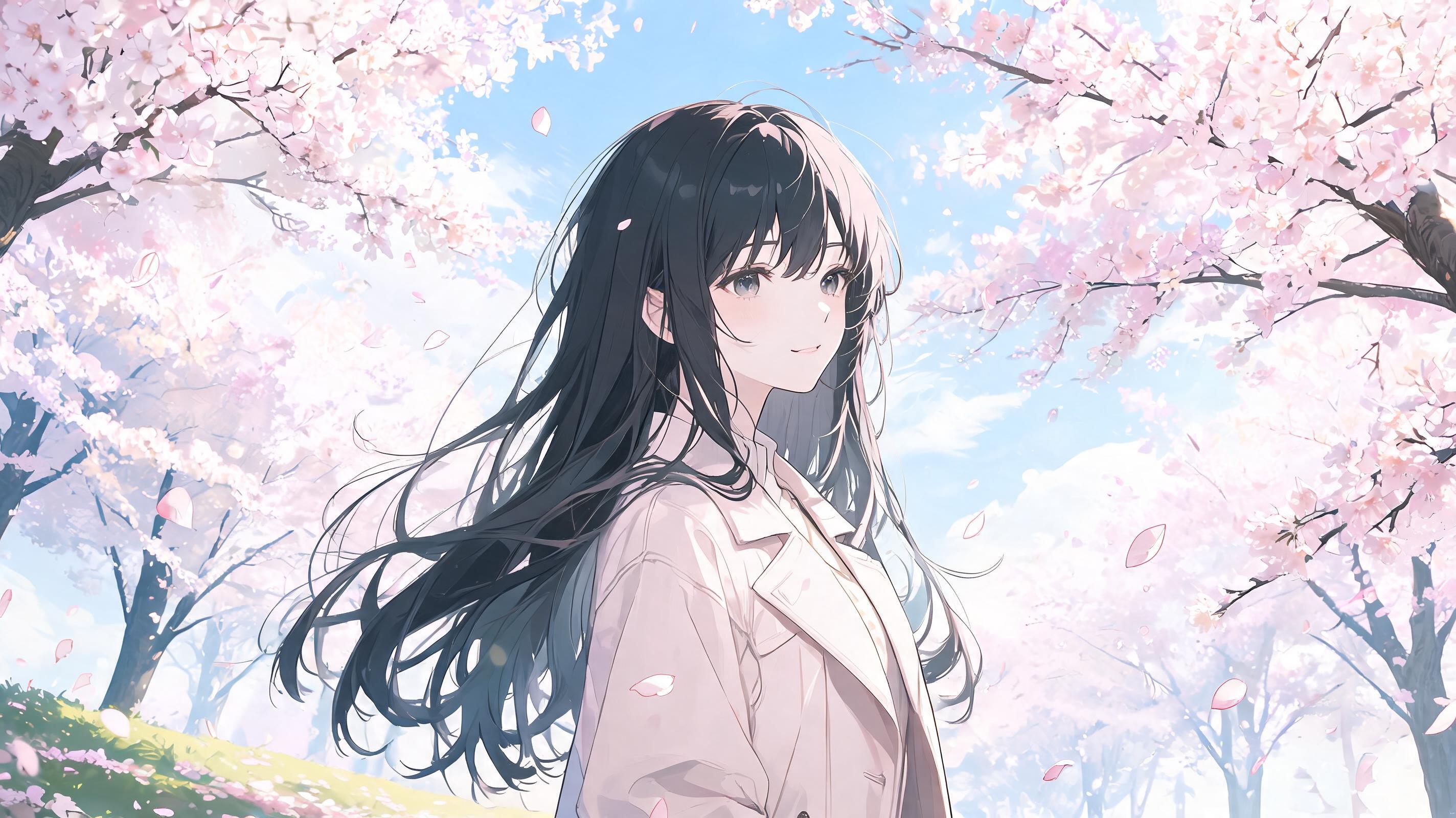 Started from this picture, made with Seedream 5.0 Lite. Upload your own photo to use the template.
Use a JPG, PNG or WebP file up to 10 MB, at least 300 pixels on each side. Very wide or very tall images need cropping first: the shape must be between 2:5 and 5:2.
The model can already see your image, so skip describing how things look. Say what moves and how the camera behaves: "the waves roll in, the camera slowly pulls back".
Match photo keeps your image’s proportions, which avoids cropping. Choose 16:9 or 9:16 if the video has to fit a specific format.
A single person, animal or product with space around it gives the model the most to work with. Crowded scenes tend to warp.
The first frame comes from your image, so blur and noise carry into the video. Use the largest copy you have.
Drawn art and clean packshots both work. For art, add "keep the original art style" to reduce drift toward a realistic look.
These describe motion only. Adjust them to suit your picture.
The clouds drift slowly across the sky and the water ripples in a light wind. The camera slowly pushes forward. Everything else stays still.
The camera slowly orbits the product from left to right. Light moves softly across the surface. The product and its label stay unchanged.
Hair and clothing sway gently in the wind while small particles drift past. A slow push-in. Keep the original art style and line work.
Yes, on the same terms as text to video: 1 video with no account and 2 more with a free account, each 4 seconds at 480p. After that, the same video costs 10 credits.
JPG, PNG and WebP, up to 10 MB, at least 300 pixels on each side, with a shape between 2:5 and 5:2.
Only if it is you or you have that person’s permission, and only if it does not show a minor. You confirm this when you upload. Do not use it to make someone appear to do something they did not agree to.
No. It is deleted as soon as the video finishes, or within 24 hours if you do not generate. It is only sent to the model that makes your video.
The model invents every frame after the first, so details such as text, hands and faces can change. Smaller movements and shorter clips stay closest to the original.